TIME TRAVEL CAMERA™Point. Turn the dial. Shoot 1962.
A camera for iPhone that shoots in any decade from the 1890s to the 2030s. Not a filter on top of your video: each decade is rebuilt from how its cameras actually saw, moved, sounded and printed.
Turn the DECADE dial under the viewfinder. The footage is the app itself, filmed live in each decade.
1890s
Hand-cranked 35 mm film
- Cadence
- 12–24 fps
- Sound band
- 250 Hz – 2.5 kHz
- First on the dial
- Early Hand-Cranked Camera
- First photo style
- Circular Roll-Film Snapshot
Every decade is one turn away.
From hand-cranked 35 mm in the 1890s to a speculative 2030, each stop on the dial is a decade with its own cameras, its own film or tape, its own sound and its own prints.
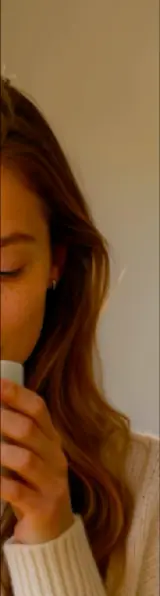
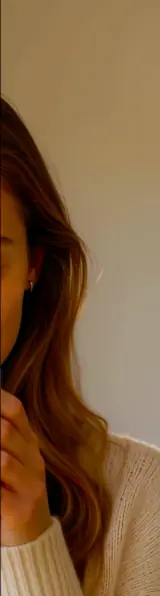
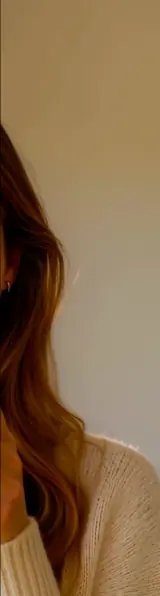
The whole screen is the camera.
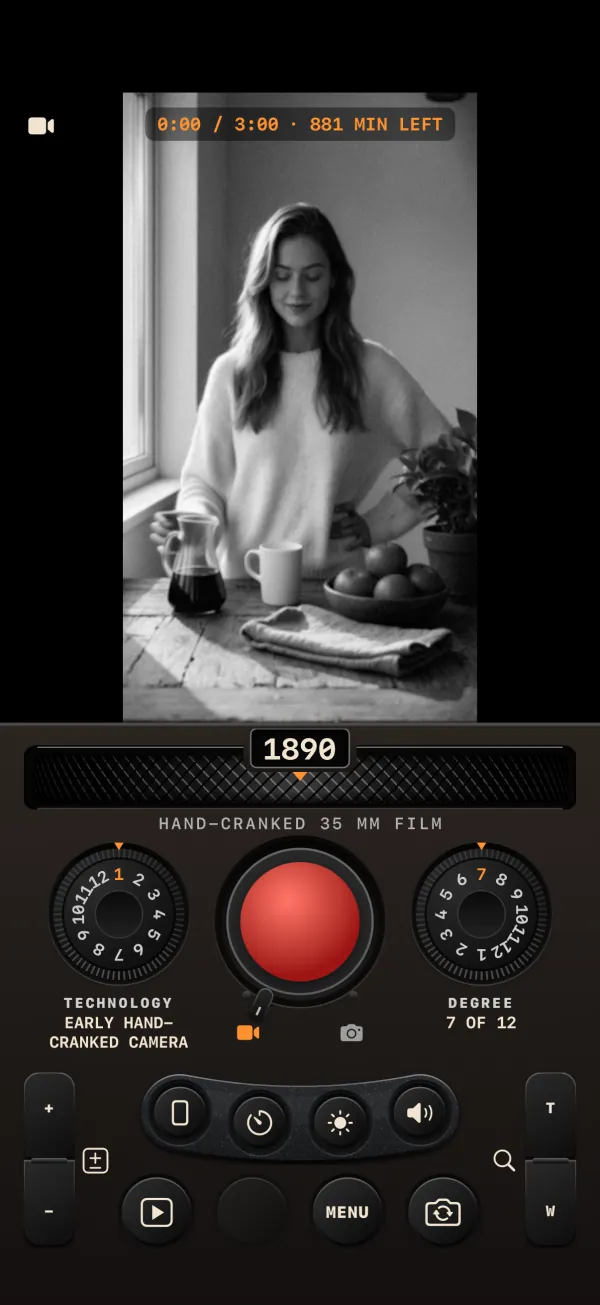
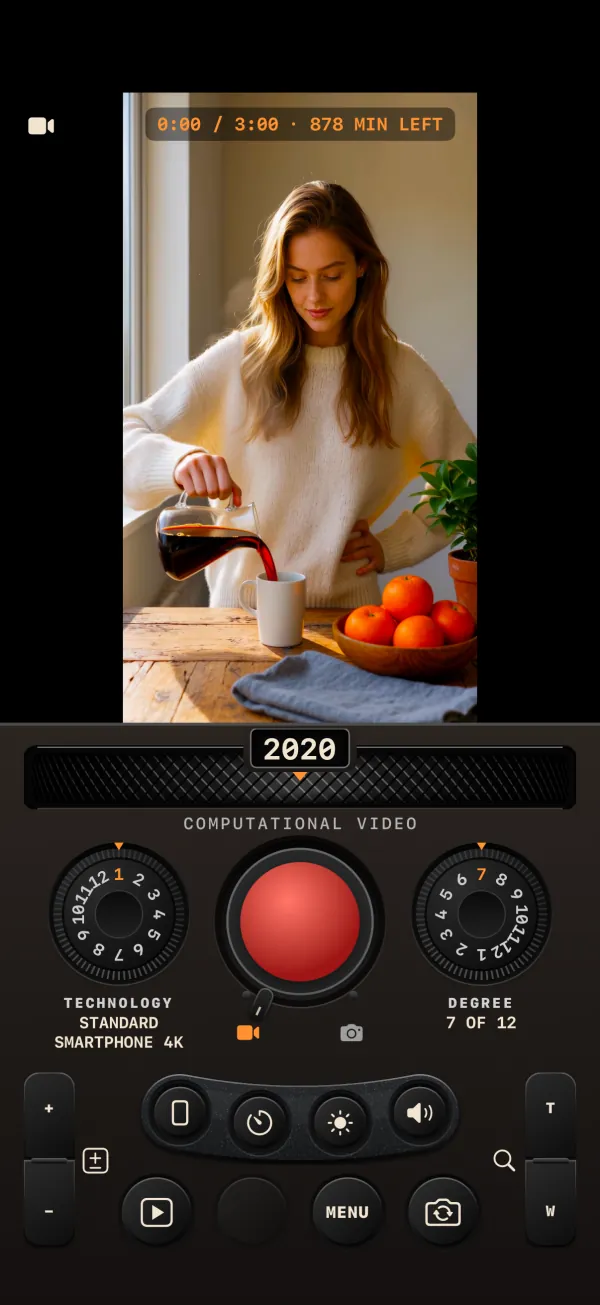
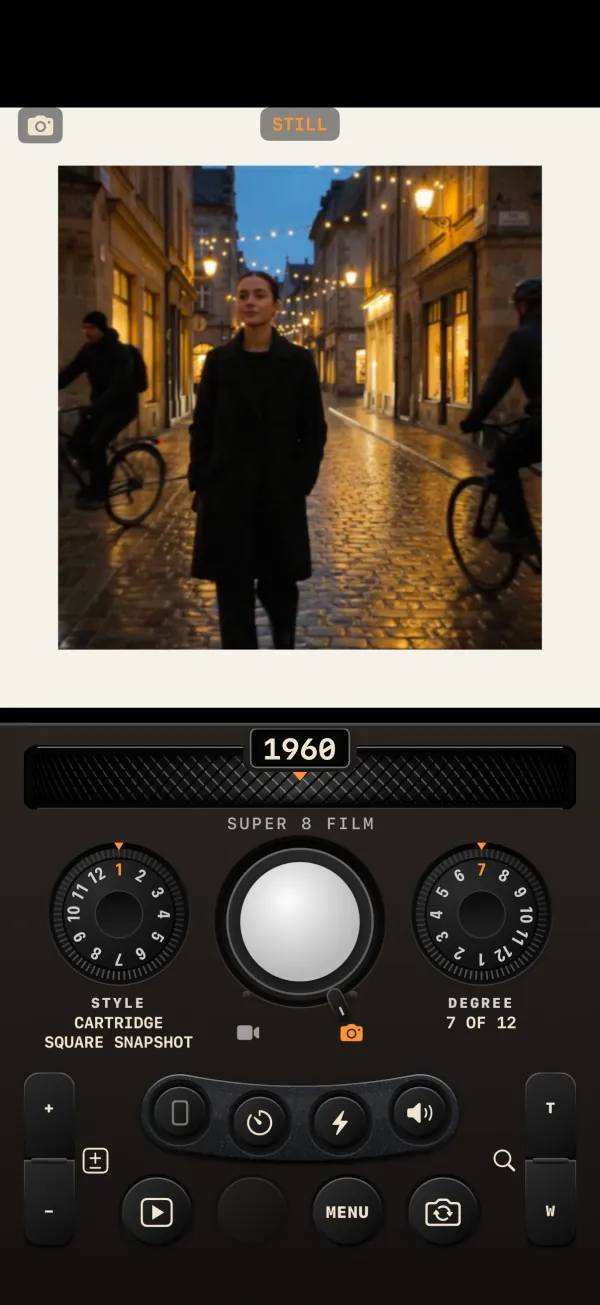
No sliders, no tabs: the DECADE wheel under the viewfinder, the TECHNOLOGY and DEGREE dials either side of REC, a plate of small buttons and the rear row. These are screenshots of the app, one decade each.
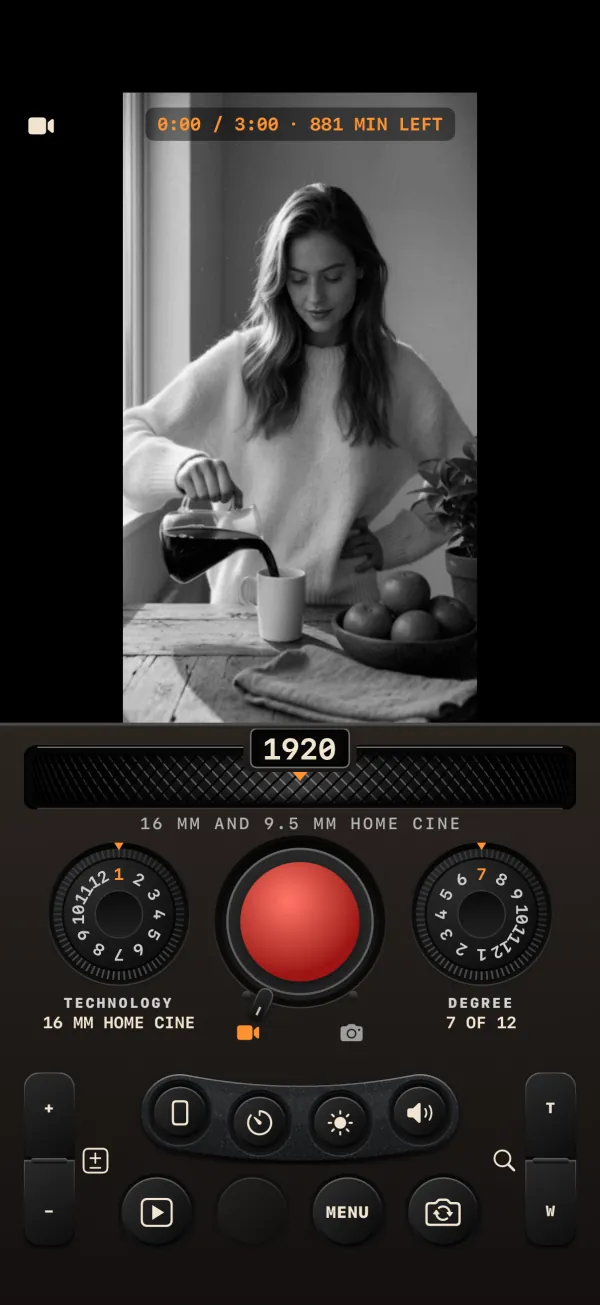
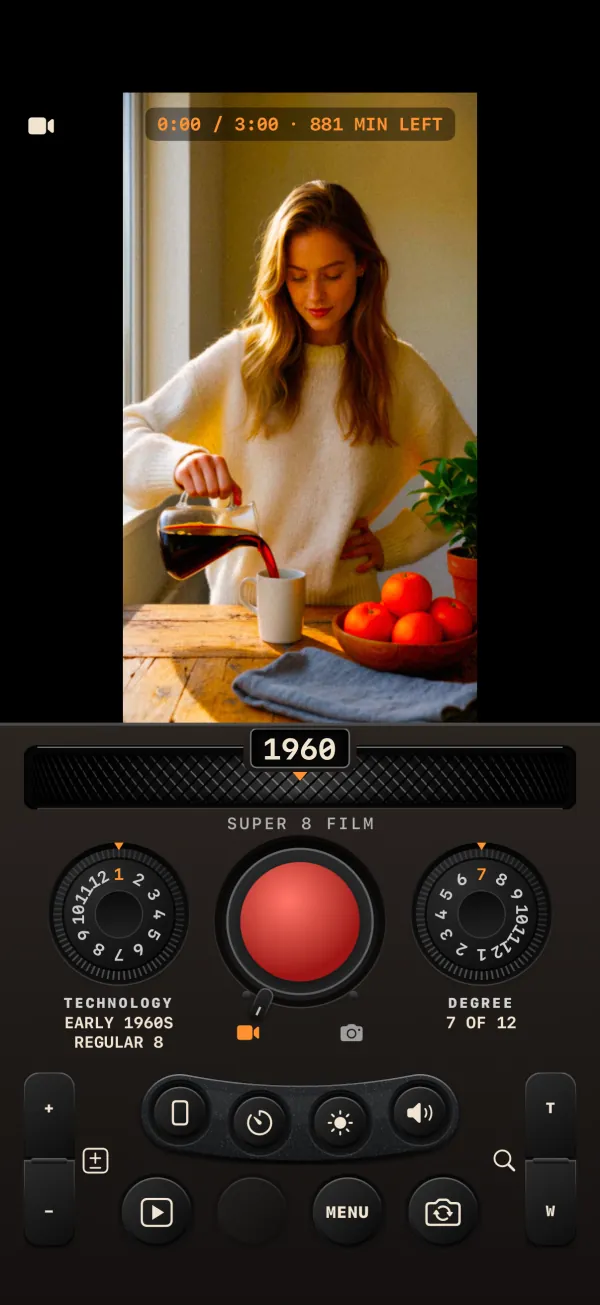
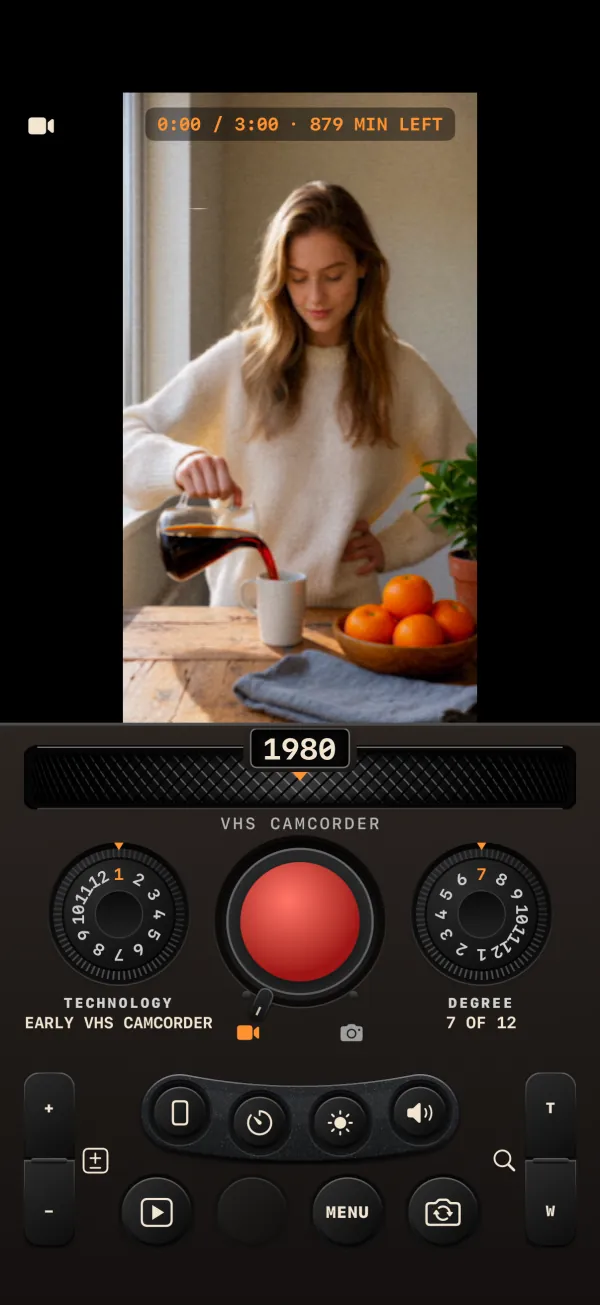
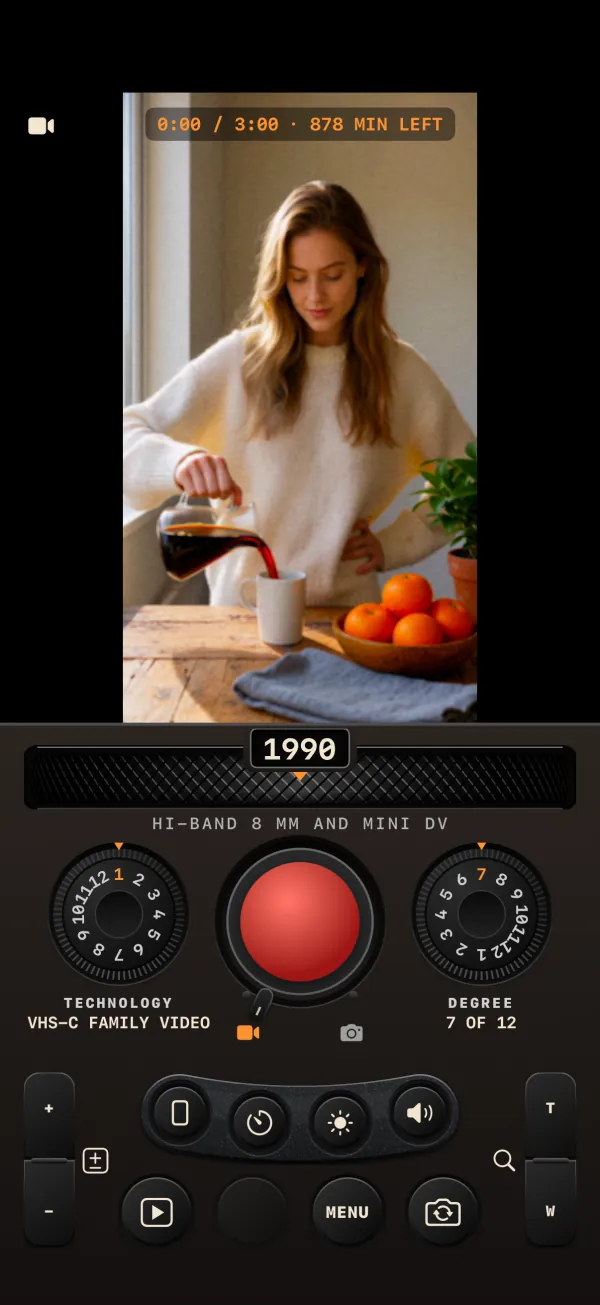
A decade is a camera, a medium and a sound.
A filter changes colours. A decade changes everything that happened between the light and the screen: how many frames a second the camera took, how the lens softened the edges, how the film's grain or the tape's noise sat on the picture, how the gate wobbled, how the print faded on the shelf for fifty years.
The Time Travel Camera runs every frame through a ten-stage pipeline that follows that path in order, from the optics to the medium to the ageing, and gives the sound the same treatment.
Video
Up to three minutes a take, with the decade's slow cadence where it had one, and period sound.
Photos
Prints with the decade's borders, papers and formats: card mounts, slide mounts, booth strips, instant frames.
Period audio
Your voice through the decade's microphones and media, with the hiss, hum and wow they had.
1 to 12
How much of the decade you want. 7 is the decade as written down; 1 is almost clean; 12 pushes it.
Turn the decade up or down.
The round dial to the right of REC sets how strongly the decade shows: grain, softness, flicker, weave, vignette, bleeding colour, tape noise. At 7 you get the look as it is written down for the period. Below 7 it fades towards a clean picture; above, every mark the look already has gets stronger.
Rendered by the app at DEGREE 1, 7 and 12.



Dials you turn, not menus you scroll.
DECADE
A knurled wheel with fifteen detents, a mechanical click and a haptic tap for each. The year rolls in a little window; the caption tells you what the decade shot on.
TECHNOLOGY · STYLE
Twelve cameras for each decade in CINE, twelve photo styles in STILL. The 1990s alone go from a compact VHS family tape to a surveillance camera with a time code.
REC
Tap to record and tap to pause, or hold to record while you hold. DONE develops the take. The volume buttons and Camera Control work too.
DATE STAMP
Set the camera's clock to any day you like and the orange date burns into the picture, the way it did on a 1990s compact.
3:00 a take
Each take is a cartridge: three minutes, then TAPE FULL. Why three minutes?
DEVELOPING…
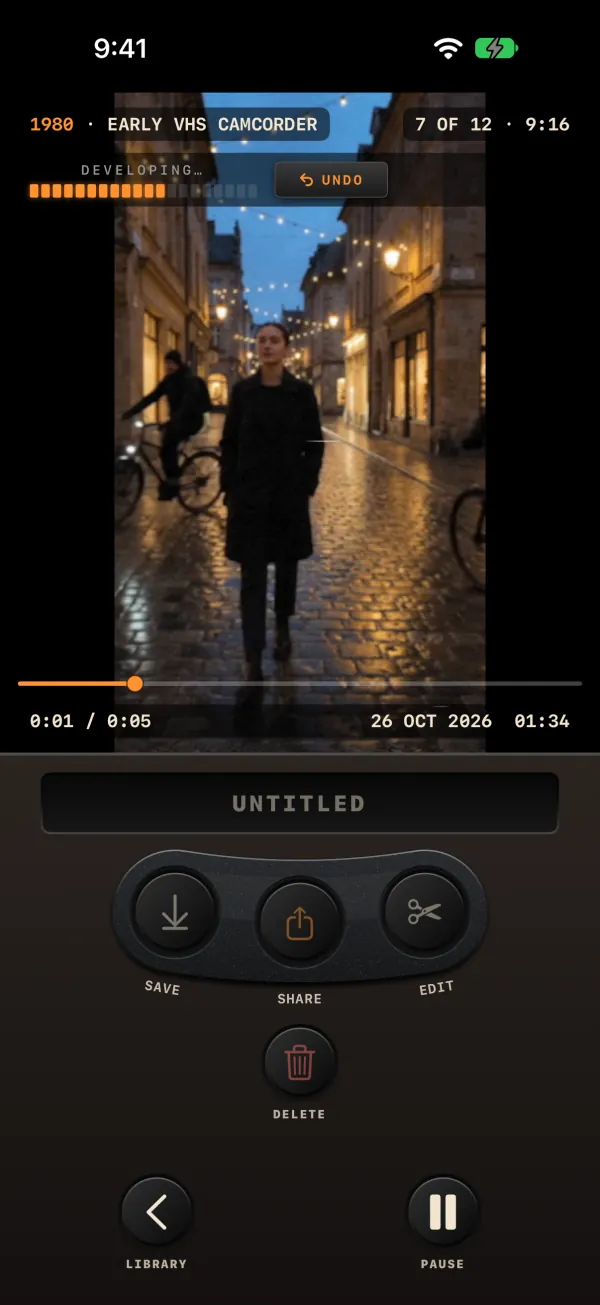
When you press DONE the clip develops like an instant print, and you can watch it while it does.
A library like a tape, an editor like a splicer.
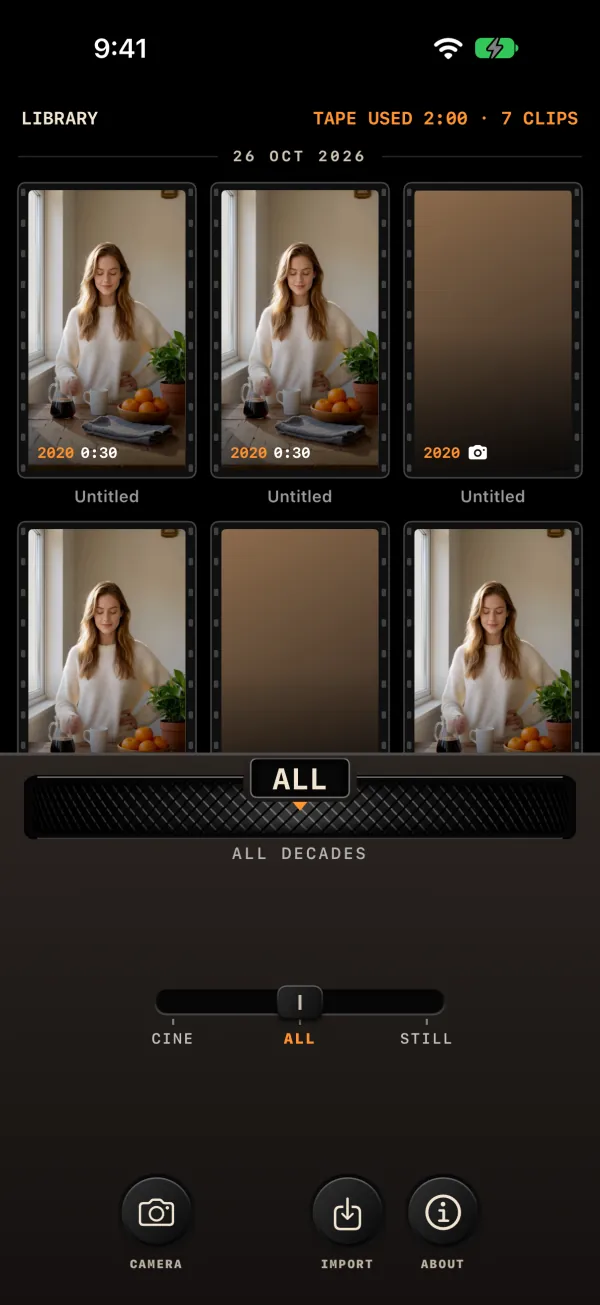
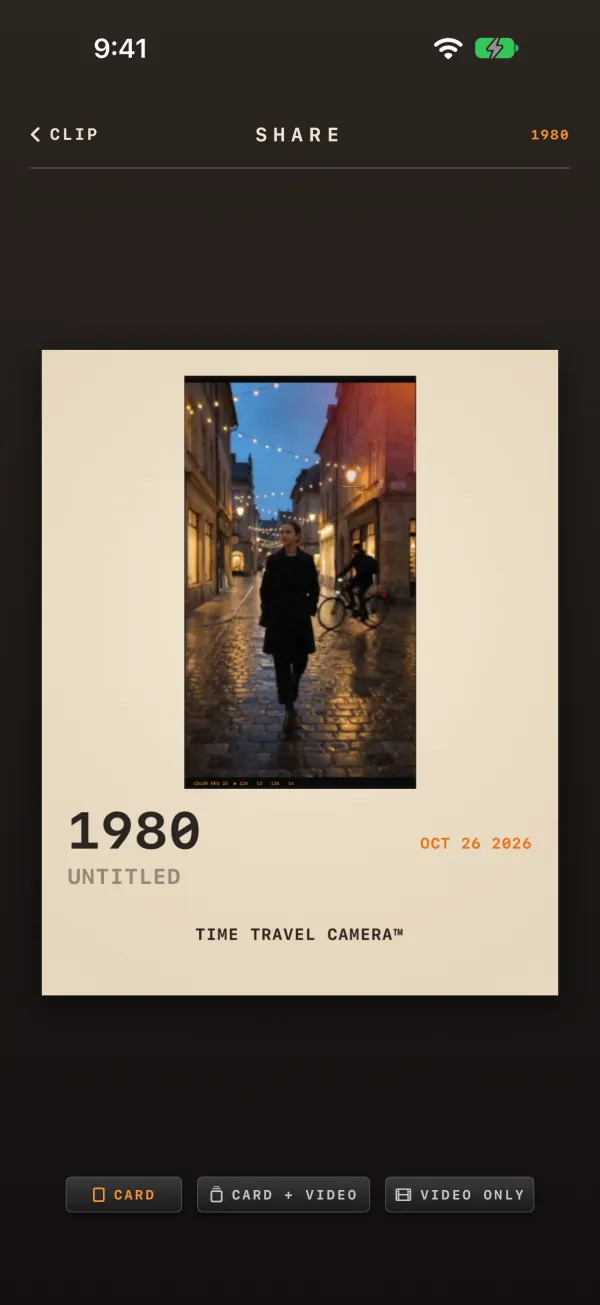
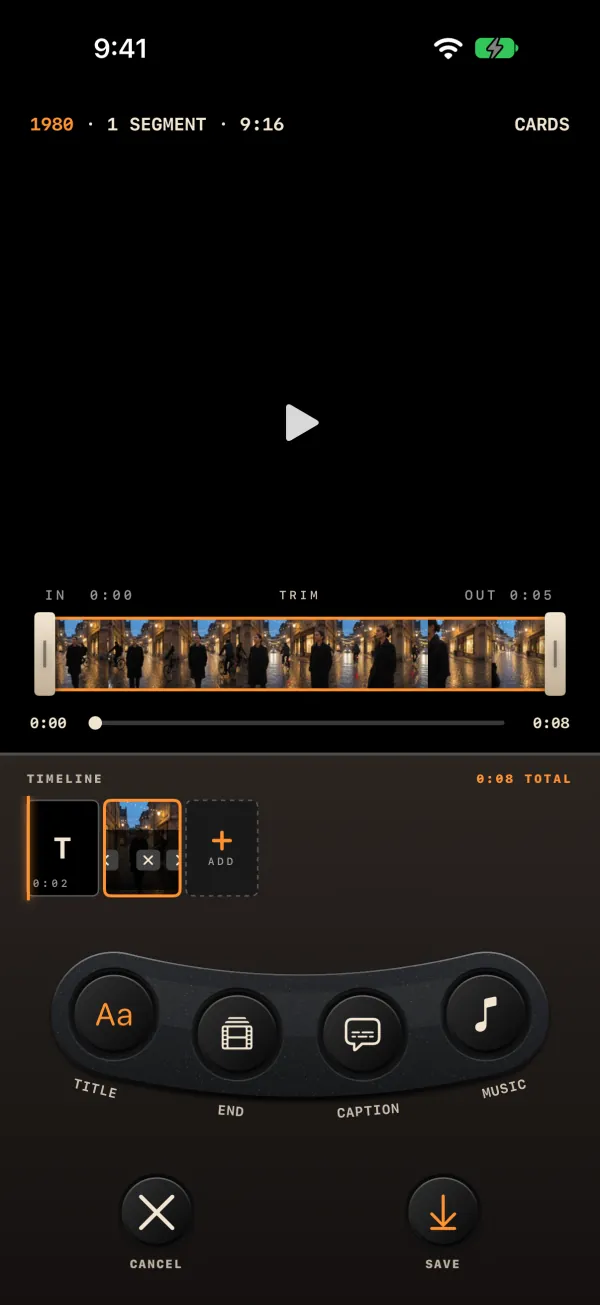
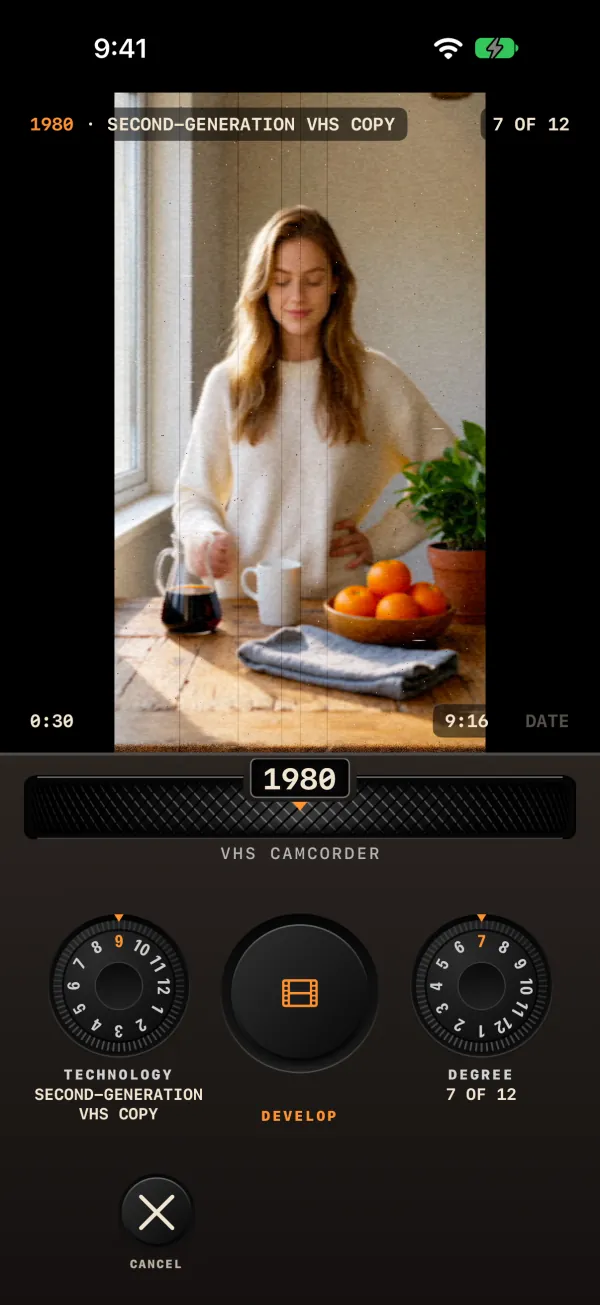
Clips develop like instant prints, wait in a library you filter with the same DECADE wheel, and leave the app with a card. With Pro, the videos already in your Photos can be developed into any decade, and the editor cuts clips together.
The whole camera is free. Pro finishes the job.
Every decade, every look
- All 15 decades, 180 video technologies, 180 photo styles
- DEGREE, period sound, the clock and the date stamp
- Video and photos, the LIBRARY, SAVE and SHARE with the card
- Videos you save or share end with a two-second card: MADE WITH · TIME TRAVEL CAMERA™ · Free on the App Store, in the decade's own look
Your videos, your edit, no card
- No end card on the videos you save or share
- IMPORT: develop the videos and photos already in your library into any decade
- EDITOR: cut clips together, add a title, a caption and music, and SAVE
- Switch the decade signature off
- No subscription. Family Sharing. Restore Purchases on a new iPhone
NO NETWORK
NO TRACKING
What you shoot stays on your phone.
No sign-up, no cloud, no analytics, no ads. The app has no servers of its own; the Pro purchase goes through the App Store. It asks for the camera and microphone when you set it up, and for your photo library only when you save. This website doesn't use cookies or trackers either.
Asked often.
Why decades and not filters?
A filter repaints a finished picture. A decade starts earlier. It decides how many pictures a second the camera took, how soft the lens was, what colors the film or the sensor could see, how the grain or the tape noise sat on the image, how the frame wobbled and how the print faded afterwards. The app runs every frame through ten stages in that order, and gives the sound the same treatment. Each decade has 12 video technologies and 12 photo styles, so the 1980s alone go from an early VHS camcorder to a copied tape. How it works.
Why is a take limited to three minutes?
Think of each take as one cartridge or one tape. Three minutes is the length we chose so that a take is a short film you can actually send to someone, and the editor works to the same 3:00 limit. When the counter reaches 3:00 the display says TAPE FULL, and you press DONE to develop it.
It also rhymes with history, though that isn't the reason for it: a 50-foot Super 8 cartridge ran about 2½ minutes at 24 frames a second and about 3⅓ minutes at 18. Home movie makers learned to plan their shots around the end of the roll.
You can shoot as many takes as you like. Inside one take, REC and pause as often as you want: the parts are stitched into one continuous clip when you press DONE.
Is it free? What is the end card?
The app is free to download and the whole camera is yours: every decade, technology and style, DEGREE, period sound, the clock and the date stamp. Pro is an optional one-time purchase, with no subscription. It removes the end card, opens IMPORT and the EDITOR's SAVE, and lets you switch off the decade signature. It works for your Family Sharing group, and Restore Purchases brings it back on a new iPhone. There are no ads. Every video you save to Photos or share ends with a 2-second card: "MADE WITH / TIME TRAVEL CAMERA™ / Free on the App Store", set in the type of the decade and rendered through the clip's own look. It doesn't count towards the 3:00 of the take. Photos, and clips that stay in the app's LIBRARY, don't get it, and with Pro no video gets it.
Does it need internet or an account?
No. There is no sign-up, no cloud and no server: the app has no network code at all, so it works the same in airplane mode. It collects no data and has no analytics or tracking. Your clips stay on your iPhone until you save or share them. Privacy in full.
What is DEGREE?
The small dial to the right of REC, from 1 to 12. It sets how strongly the decade shows: grain, softness, flicker, weave, color bleed, tape noise, fading. At 7, where the camera always starts, the look is exactly as written for that technology or style. Below 7 it fades towards a clean picture; above 7 it grows, up to 1.6 times at 12. It never changes the color response, the frame rate or the shape of the look, and it never adds a defect the look doesn't have. DEGREE explained, with examples.
Shoot 1962 this afternoon.
Free on the App Store, for iPhone. Pro is one purchase, no subscription.
Download on the App Store